
Dual menu bar clocks
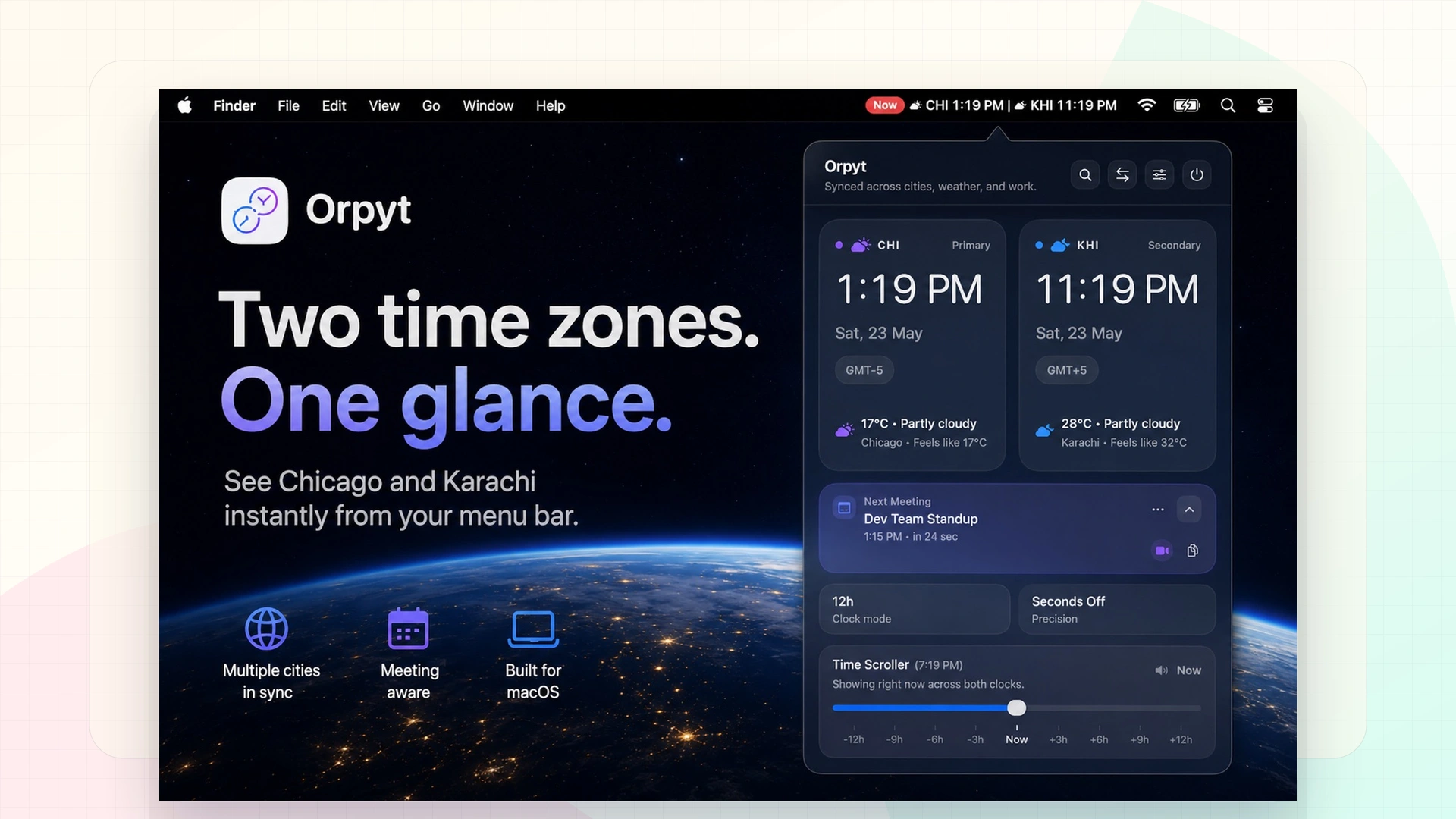
Two selected cities stay visible directly in the macOS menu bar so users can check working hours without opening another app.
Own product - Open source macOS desktop app
Orpyt is our own open-source macOS desktop product: a dual menu bar clock with city search, weather context, calendar-aware planning, and a time scroller for cross-time-zone work.
System delivered
Orpyt is intentionally narrow: keep the people, places, and meetings that matter visible from the Mac menu bar, then stay out of the way when not needed.
Two selected cities stay visible directly in the macOS menu bar so users can check working hours without opening another app.
Fast search across cities, countries, and time zones lets users swap locations quickly from the popover or settings.
Meeting alerts, Today’s Plan, join links, copy actions, and manual refresh help users prepare for the day across zones.
A scrubber for moving forward or backward through time so teams can find sensible meeting windows without mental math.
Optional live weather on each clock card adds just enough local context for remote work and travel planning.
Launch-at-login, menu bar layout controls, 12h/24h display, seconds, labels, and low idle footprint keep the utility calm.
The challenge
People working across time zones often switch between calendars, world-clock widgets, weather apps, and mental arithmetic just to decide when to message or meet. A menu bar utility has to solve that quietly: it must be visible enough to help, but lightweight enough not to become another dashboard.
The approach
The outcome
Capabilities involved
Orpyt connects product focus, native macOS engineering, interface design, calendar context, WeatherKit-style utility thinking, release packaging, and open-source maintenance.
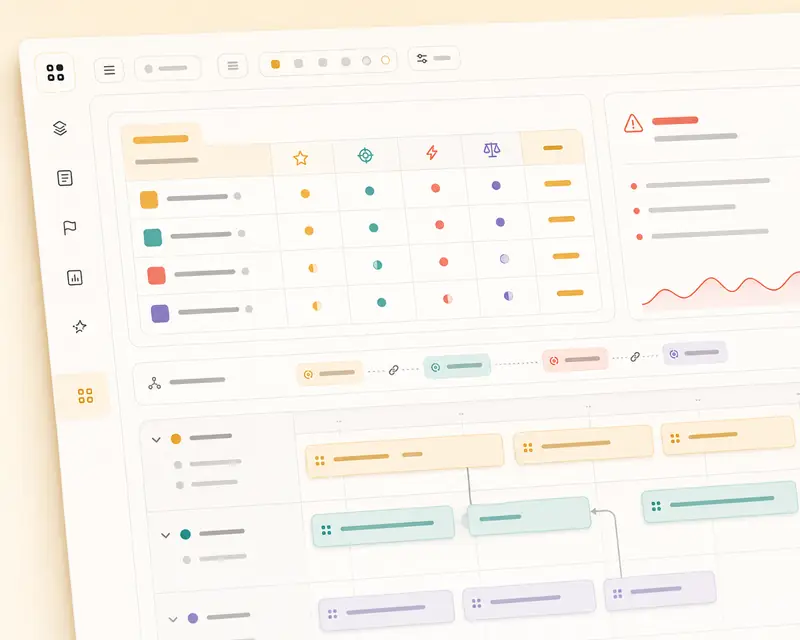
Research, prioritisation, technical direction, and a roadmap grounded in customer and business evidence.
 Explore service
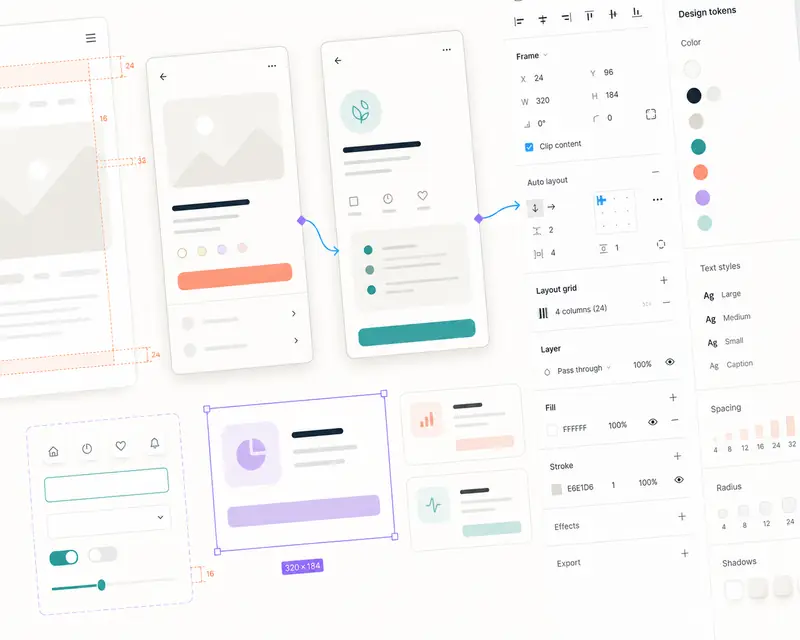
 Research-led UX, interactive prototypes, interface design, and scalable design systems for digital products.
 Explore service
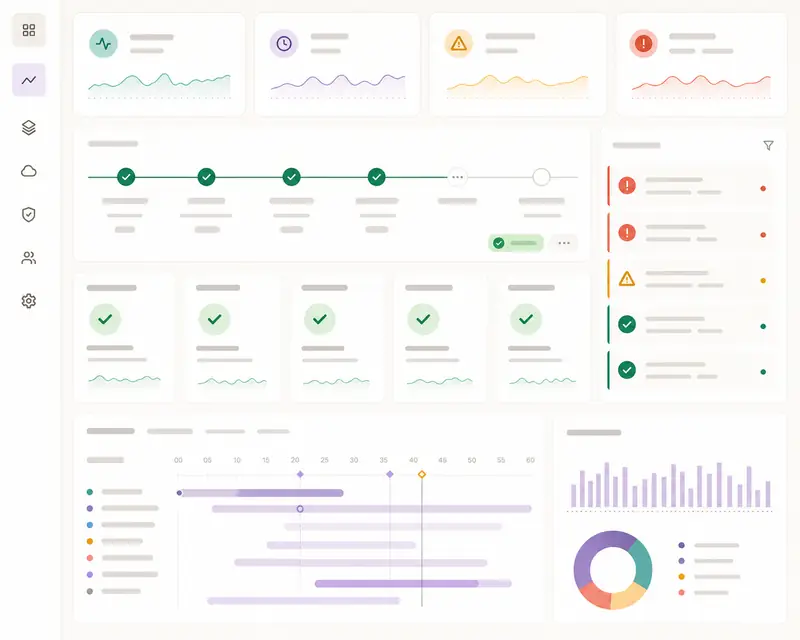
 Cloud architecture, deployment pipelines, observability, security, and reliability improvements without unnecessary platform theatre.
 Explore service
 Focused UX, performance, architecture, and delivery improvements for products that have become slow or risky to evolve.
 Explore service
 Discuss your context
We can help shape the smallest valuable version, build it properly, prepare distribution, and keep improving it after release.
We will help you decide what to build first, what to avoid, and how to move from messy context to usable software.